On this page
To use your phone abroad, choose one of four approaches before you leave: an international roaming plan from your carrier, a local SIM card, a travel eSIM, or Wi-Fi only. Check that your phone is unlocked and supports eSIM if you need it, then set data roaming correctly so you do not get surprise charges.
Your phone does a lot of work on a trip: maps, boarding passes, translation, payments, ride apps and staying in touch with home. This explainer covers how each connection option works, how to choose between them, which settings to change before you fly, how to call and text cheaply, and how to keep your phone and data safe while you travel.
Key takeaways
- Call your carrier before you go to understand roaming charges and any travel passes they offer.
- Local SIMs and travel eSIMs often cost less for data, but your phone must be unlocked to use them.
- Turn off data roaming on your home line if you rely on a local SIM, eSIM or Wi-Fi, to avoid unexpected fees.
- Messaging and calling apps over Wi-Fi or data are usually the cheapest way to stay in touch.
- Download offline maps, translations and important documents before you leave.
- Protect your phone with a passcode, backups and care on public Wi-Fi, and know local emergency numbers.
What are your options for using a phone abroad?
There are four main ways to use your phone abroad: an international roaming plan or pass from your home carrier, a physical local SIM card bought at your destination, a travel eSIM you download before or after arrival, or relying only on Wi-Fi. Each balances cost, convenience and keeping your home number active differently.
| Option | How it works | Pros | Cons |
|---|---|---|---|
| Carrier roaming plan or pass | Your home carrier provides service abroad, often for a daily or monthly fee | Easiest, keeps your number, no setup | Can be expensive, data may be limited or slowed |
| Local SIM card | Buy a SIM from a local provider and insert it | Often cheaper for data, local number | Needs an unlocked phone, may need ID to buy |
| Travel eSIM | Download a digital SIM profile with a data plan | Set up before you leave, no physical SIM swap | Needs an eSIM-compatible, unlocked phone, often data only |
| Wi-Fi only | Use hotel, cafe and public Wi-Fi with data off | No extra cost | No connection between hotspots, security concerns |
Many travelers combine options, such as a travel eSIM for data while keeping their home line active for texts and calls.
How does international roaming work?
International roaming lets your phone connect to a partner network abroad using your home number and plan. Your carrier then bills you for calls, texts and data used overseas. Some plans include roaming in certain countries; others charge daily fees or per-use rates. Without a plan, data roaming charges can add up quickly.
Before you rely on roaming:
- Call your carrier or check its website for roaming options in your destination.
- Ask what is included: data allowance, speeds, calls and texts.
- Check whether you are charged per day, per trip or per use.
- Ask what happens if you exceed your allowance.
- Confirm the countries covered, especially on multi-country trips.
- Turn on a roaming plan or pass before you leave if your carrier requires it.
Regional note for UK, Canada and Australia readers
Roaming rules vary by country and carrier. Some UK carriers now charge for roaming in the EU, while others include it, so check your specific plan. Canadian and Australian carriers commonly offer daily or trip-based roaming passes. Always check your carrier’s official site before you travel.
Tip: Take a screenshot of your carrier’s roaming terms and your account number. If you need help abroad, you will have the details offline.
Should you use a local SIM card or a travel eSIM?
A local SIM card or travel eSIM is often the cheapest way to get data abroad, especially on longer trips. A local SIM gives you a local number and is bought at your destination. A travel eSIM can be set up before you leave and works on compatible phones. Both need your phone to be unlocked from your home carrier.
What does unlocked mean?
An unlocked phone can work with SIM cards from other carriers. Phones bought on a contract or installment plan may be locked to one carrier until certain conditions are met. Contact your carrier to check and request an unlock well before your trip, since it can take time.
How do you set up a travel eSIM?
- Confirm your phone supports eSIM and is unlocked.
- Choose a plan that covers your destination and expected data use.
- Install the eSIM using the QR code or app, usually while you still have Wi-Fi at home.
- Label the lines in your phone settings, for example “Home” and “Travel”.
- Set the travel eSIM as your data line and turn on roaming for that line if instructed.
- Keep your home line active for calls and texts if you want, but turn off its data roaming.
Buying a local SIM card
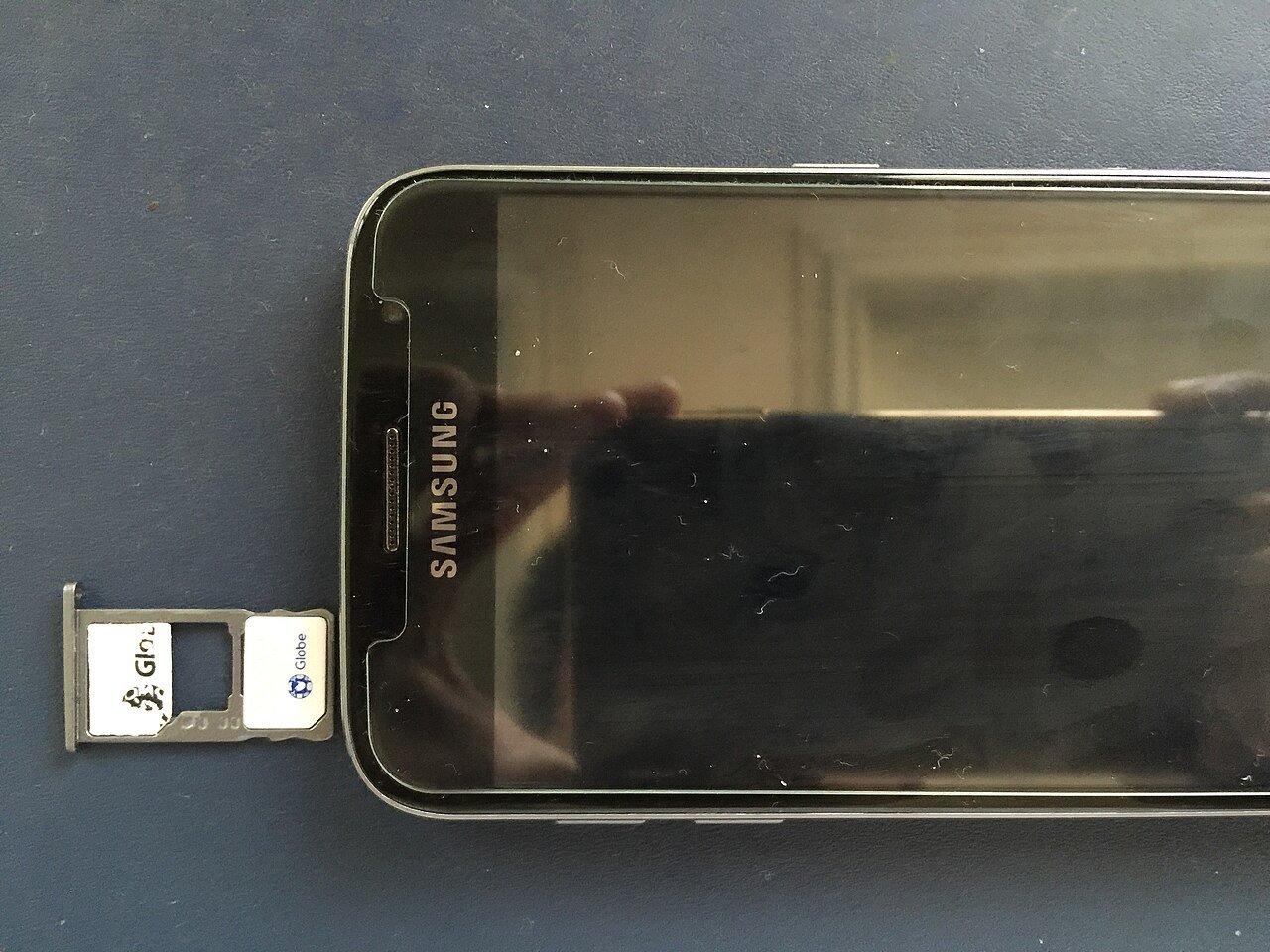
Local SIMs are sold at airports, phone shops and some convenience stores. In some countries, you need to show your passport to register a SIM. Keep your home SIM safe in a small case or taped inside your travel wallet, and bring a SIM ejector tool or a paper clip.
What phone settings should you change before traveling abroad?
Before traveling abroad, check your carrier’s roaming plan, decide which line will handle data, and set data roaming on or off to match. Turn on Wi-Fi calling if supported, update your apps and operating system, back up your phone and download offline maps. These steps prevent surprise charges and make your first hours abroad easier.
Pre-trip settings checklist:
| Setting or task | Why it matters |
|---|---|
| Data roaming on or off | Controls roaming charges on your home line |
| Cellular data line choice | Uses your eSIM or local SIM for data |
| Wi-Fi calling | Lets you call and text over Wi-Fi where supported |
| Background app refresh | Reduces data use in the background |
| Automatic updates | Pause large downloads on mobile data |
| Offline maps | Navigation without data |
| Backups | Protect photos and data if the phone is lost |
| Two-factor authentication | Make sure you can receive codes abroad |
What about two-factor authentication codes?
Many banks and services send login codes by text message. If you swap out your home SIM, you may not receive them. Options include keeping your home line active as a second line, switching to an authentication app, or saving backup codes before you leave. Check this with your bank, since some also flag foreign logins.
How do you call and text cheaply from abroad?
The cheapest way to call and text from abroad is usually through internet-based messaging and calling apps over Wi-Fi or a local data plan. Wi-Fi calling through your carrier may also help, depending on your plan. Traditional international calls and texts on roaming can cost more, so check rates before using them.
Ways to stay in touch:
- Messaging apps: text, voice and video calls over data or Wi-Fi.
- Wi-Fi calling: some carriers let you call and text using your home number over Wi-Fi. Check how your carrier charges for it.
- Email and shared albums: share updates and photos with family without calls.
- Local number: a local SIM makes it easier to call restaurants, hotels and taxis.
Before you go, agree with family on which app you will use and when you will check in.
How do you save data and battery while traveling?
Saving data while traveling means downloading maps, music and entertainment over Wi-Fi before you leave, turning off background refresh and automatic updates, and using data saver modes. Saving battery means lowering screen brightness, closing unused apps and carrying a power bank. Navigation and photos drain batteries faster than you might expect.
Data saving tips:
- Download offline maps for each city you will visit.
- Download playlists, podcasts and shows at home.
- Turn on low data or data saver mode.
- Set photo backups to Wi-Fi only.
- Turn off autoplay for videos in social apps.
Battery tips:
- Carry a power bank and cables in your day bag.
- Pack plug adapters for your destination. Our guide to travel tech essentials: chargers, adapters and power banks covers what to bring.
- Turn on low power mode on long days.
Tip: Save important documents, booking confirmations and your hotel address as offline files or screenshots. You can show them even without a signal.
How do you keep your phone safe abroad?
Keeping your phone safe abroad means using a strong passcode and biometric lock, turning on device location tracking, backing up before you leave and being careful on public Wi-Fi. Keep your phone secure in crowds and away from table edges. If it is lost or stolen, report it and use your backup plan to stay connected.
Security habits:
- Use a passcode, fingerprint or face recognition.
- Turn on your phone’s find-my-device feature.
- Avoid entering banking details on public Wi-Fi, or use a trusted VPN.
- Keep your phone in a zipped pocket or secure bag in crowds.
- Write down your carrier’s international support number on paper.
- Save a copy of your passport and key documents in a secure cloud account.
What should you do if your phone is lost or stolen?
- Use find-my-device from another device to locate, lock or erase it.
- Contact your carrier to suspend the line.
- Report theft to local police if you need a report for insurance.
- Change passwords for important accounts.
- Contact your travel insurer if you have coverage. See travel insurance explained.
Travel disruptions often happen together. If you also face problems with bags or flights, see what to do if your luggage is lost and what to do if your flight is canceled, where a working phone makes rebooking much easier.
What should you know about emergency calls abroad?
Emergency numbers differ by country: 911 is used in the US and Canada, 112 across the European Union and in many other countries, 999 in the UK and 000 in Australia. In many countries, phones can dial emergency numbers even without a SIM. Look up the emergency number for your destination before you go.
Before you travel:
- Save local emergency numbers in your contacts.
- Save the address and phone number of your country’s nearest embassy or consulate. The US State Department lists embassies and travel advice.
- Set up medical ID or emergency contact information on your phone’s lock screen.
- Share your itinerary with someone at home.
What are common mistakes when using a phone abroad?
Common mistakes when using a phone abroad include leaving data roaming on without a plan, forgetting to check if the phone is unlocked, not testing an eSIM before leaving, losing the home SIM card, relying on text-message login codes and not downloading offline maps. Most surprise bills and stressful moments come from skipping a few minutes of setup.
Avoid these:
- Roaming without a plan. Check charges or turn data roaming off.
- Assuming your phone is unlocked. Confirm with your carrier weeks before travel.
- Not testing your eSIM. Install it at home and check settings.
- Losing the home SIM. Store it in a safe, labeled holder.
- Missing login codes. Set up an authenticator app or backup codes.
- No offline maps. Signal can drop at the worst moment.
- Forgetting adapters. A dead phone is not much use.
Frequently asked questions
How can I use my phone abroad without paying roaming charges?
To avoid roaming charges, turn off data roaming on your home line and use Wi-Fi, a local SIM card or a travel eSIM for data. Check your carrier’s settings so calls and texts are not routed through roaming unexpectedly. Download maps and entertainment before you leave, and use messaging apps over Wi-Fi for calls.
Do I need to unlock my phone to travel abroad?
You only need an unlocked phone if you plan to use a local SIM card or a travel eSIM from another provider. If you use your carrier’s roaming plan, you do not need to unlock it. Phones bought on contract may be locked, so ask your carrier to check and unlock it well before your trip.
What is an eSIM and does my phone support it?
An eSIM is a digital SIM built into your phone that lets you add a mobile plan without a physical card. Many recent smartphones support eSIM, but not all models or regions do. Check your phone’s settings or the maker’s website for eSIM support, and confirm the phone is unlocked before buying a travel eSIM.
Can I use WhatsApp or other messaging apps abroad?
Yes, messaging apps work abroad over Wi-Fi or mobile data, letting you send messages and make voice or video calls without international call charges. You still use data, so connect to Wi-Fi or use a local data plan. Some countries restrict certain apps, so check before you travel and have a backup option.
Should I turn off data roaming when traveling?
Turn off data roaming on your home line if you do not have a roaming plan, or if you use a local SIM, travel eSIM or Wi-Fi only. This prevents unexpected charges. If you have bought a roaming pass from your carrier, or use an eSIM that requires roaming to be on for its line, follow the provider’s instructions.
What should you do next?
Call your carrier or check its website this week, confirm whether your phone is unlocked and eSIM compatible, and decide which option fits your trip. Then add your phone setup to your pre-trip list using our international travel checklist of documents to bring, and see how to plan a trip step by step for the rest of your planning.
Sources and further reading
- US Department of State travel site for embassy contacts and country travel information.
- Federal Communications Commission for US consumer guidance on international roaming.
- GOV.UK for UK travel advice and guidance on mobile roaming.
Featured photo: Blakegripling ph via Openverse (CC0).